

1
Install the Chrome Extension
Download the Chrome Extension if you haven’t already.
2
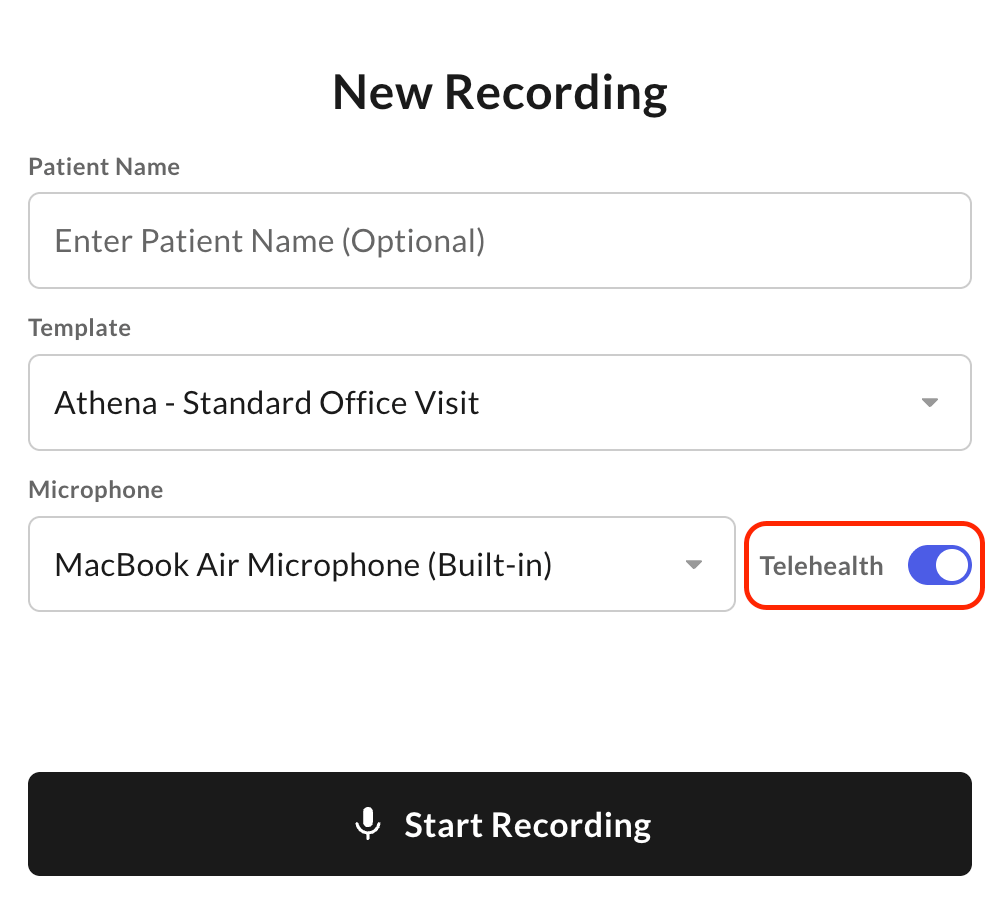
Open it on the call tab
Open the extension on the same browser tab as your video call. This ensures both the provider’s and patient’s audio are captured.
Supported Platforms
- Zoom and Google Meet in Chrome — supported via the Chrome Extension
- FaceTime — not supported, since it takes full control of the microphone