

Canceling Your Subscription
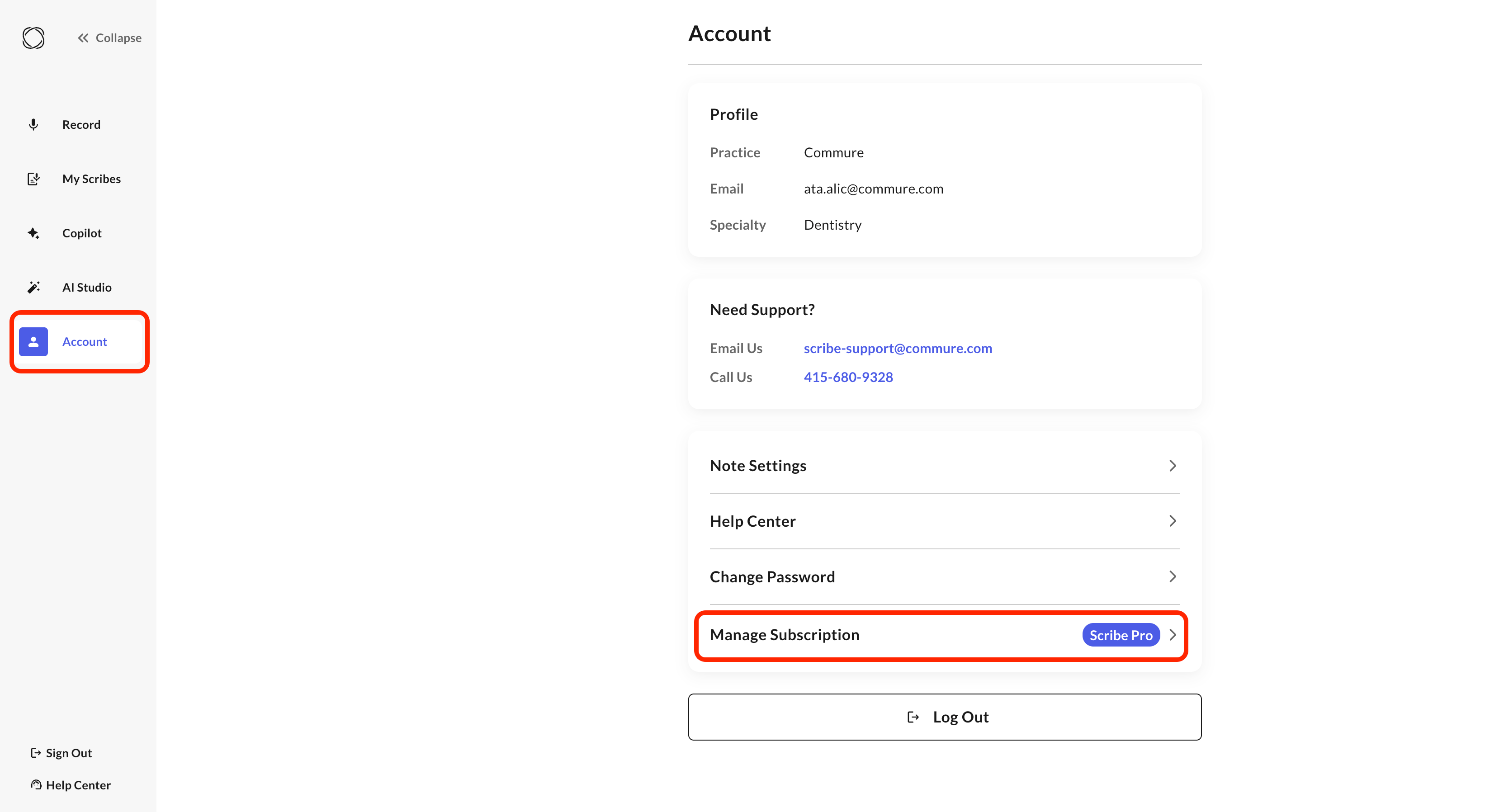
You can cancel your subscription yourself at any time:1
Open Manage Subscription
2
Cancel
Click cancel. It takes effect at the end of your current billing period.
Deleting Your Account
Full account deletion isn’t self-service — it requires contacting our support team.Before requesting deletion, make sure to cancel your subscription first (see above) so you aren’t billed again.