

1
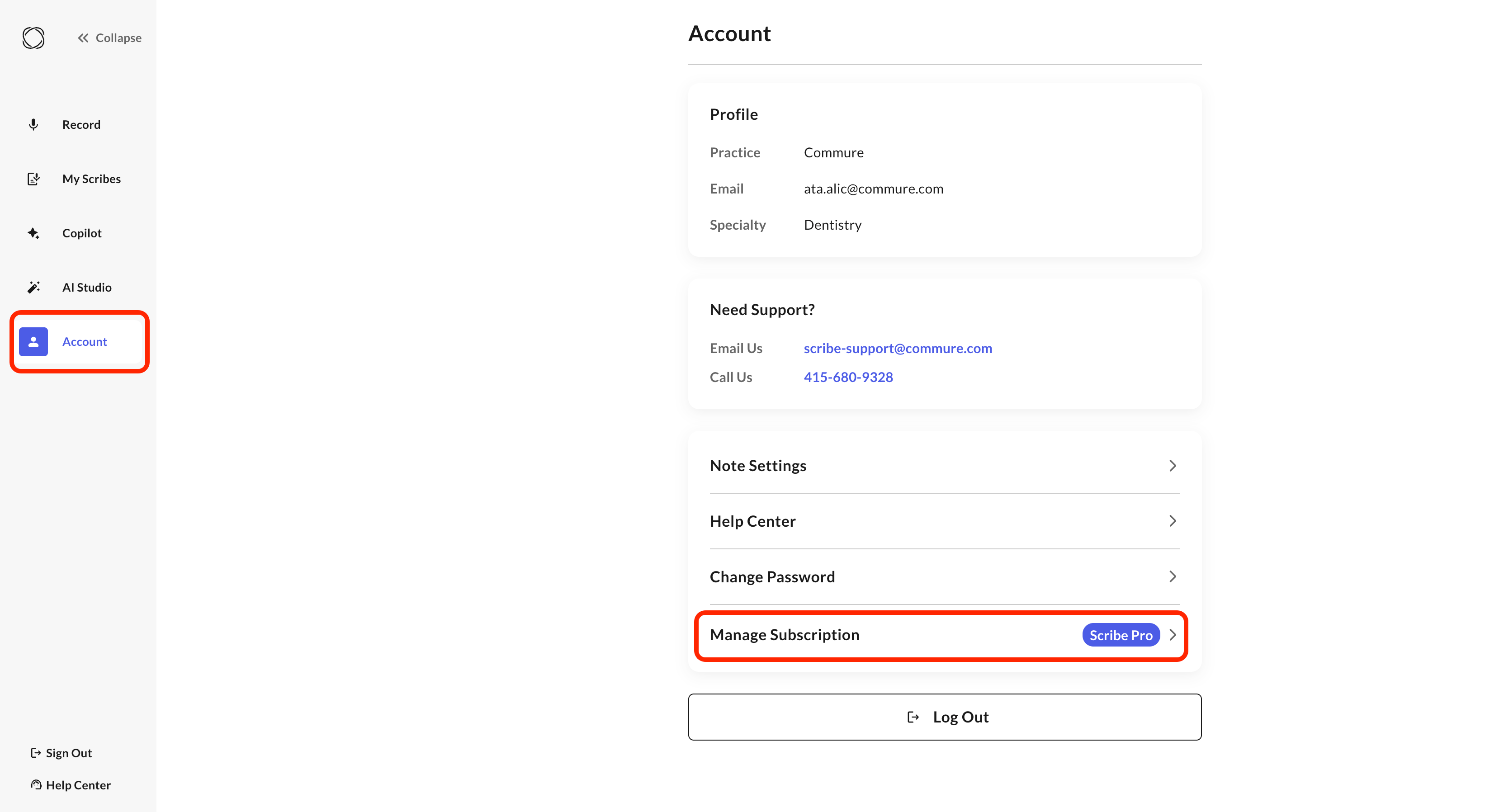
Open your account
Go to Account > Manage Subscription.
2
Open the billing portal
Click Manage Subscription again to open the billing portal.
3
Update your card
Update your card or billing details and save.
Update the credit card or billing details on your Commure Scribe subscription.
Open your account
Open the billing portal
Update your card