

Add Context
The most common fix for missing or incorrect details.1
Open the scribe
Open the affected scribe from My Scribes.
2
Open AI Actions
Click AI Actions and select Add Context.
3
Provide the correction
Type or dictate the corrected information.
4
Regenerate
Click Regenerate to produce an updated note that incorporates the correction.
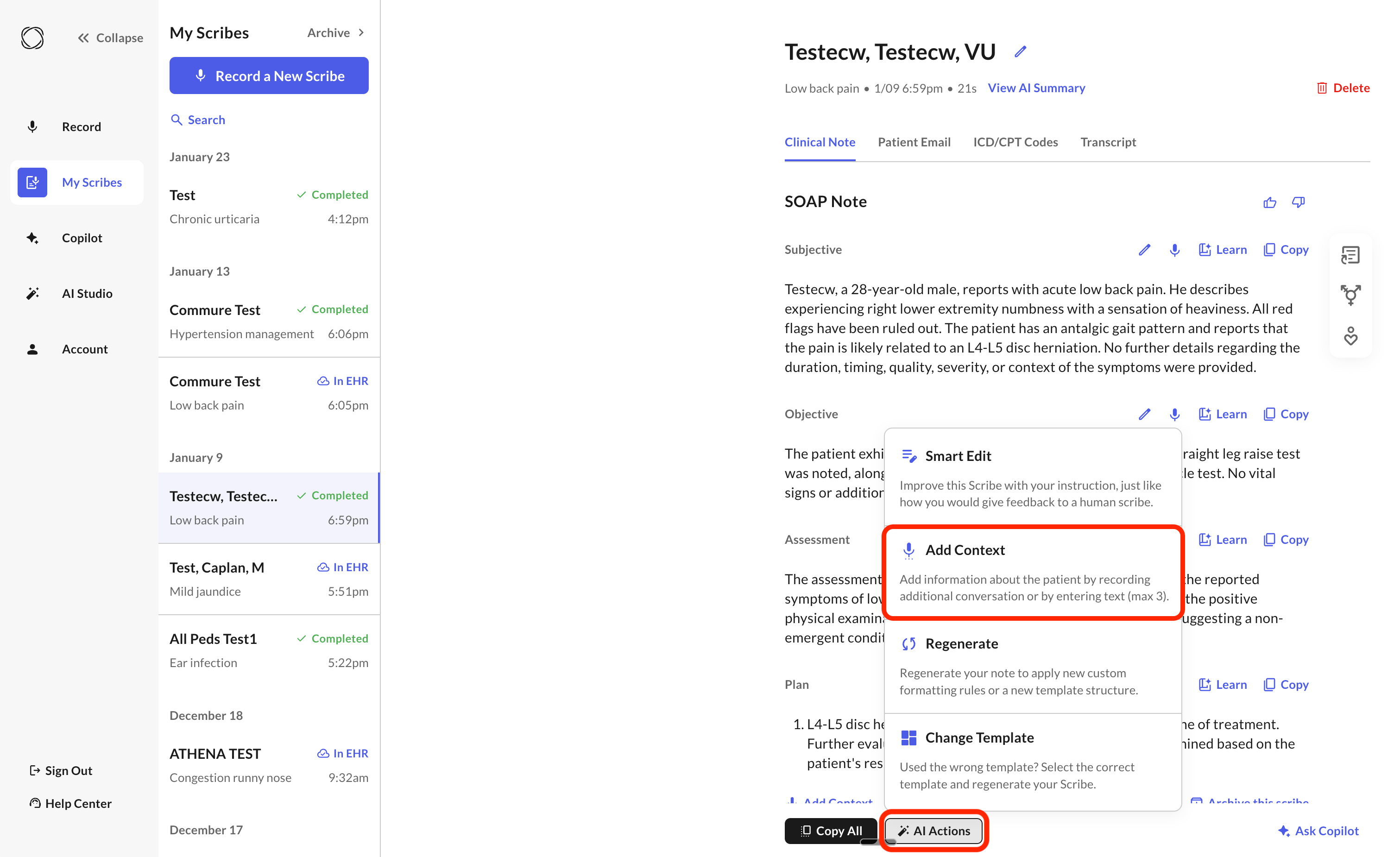
Add Context is only available on desktop and tablet web browsers. It isn’t available on the iOS or Android app.
Other AI Actions
- Smart Edit — make a targeted edit to specific wording without regenerating the whole note.
- Regenerate — reprocess the full note from the original recording, useful after changing a template or formatting rule.