
1. Search and Install
- Open the Chrome Web Store in your Chrome browser.
- Search for “Commure Scribe”.

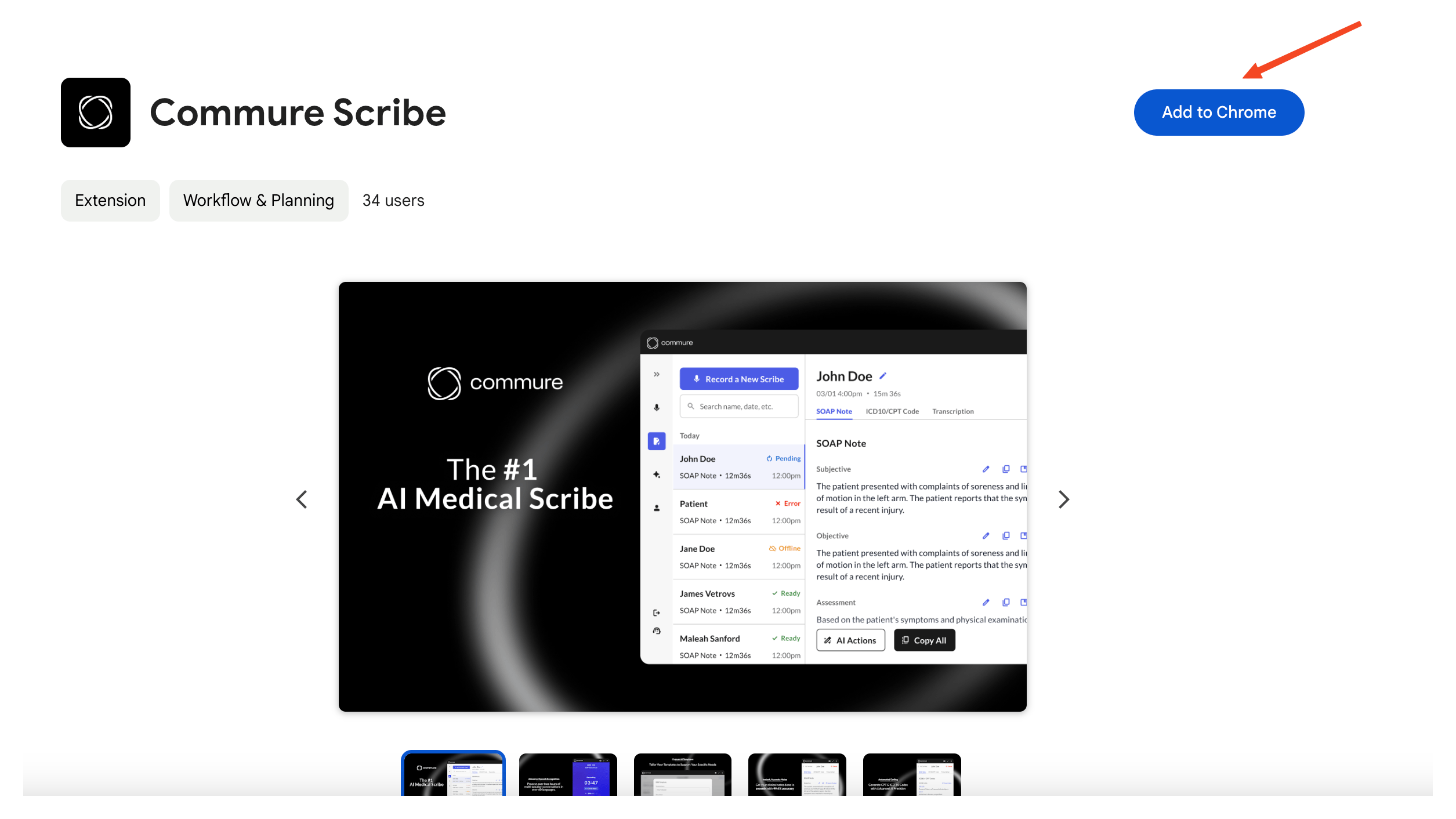
- Click “Add to Chrome” and then confirm by selecting “Add Extension”.
2. Log In to Your Account
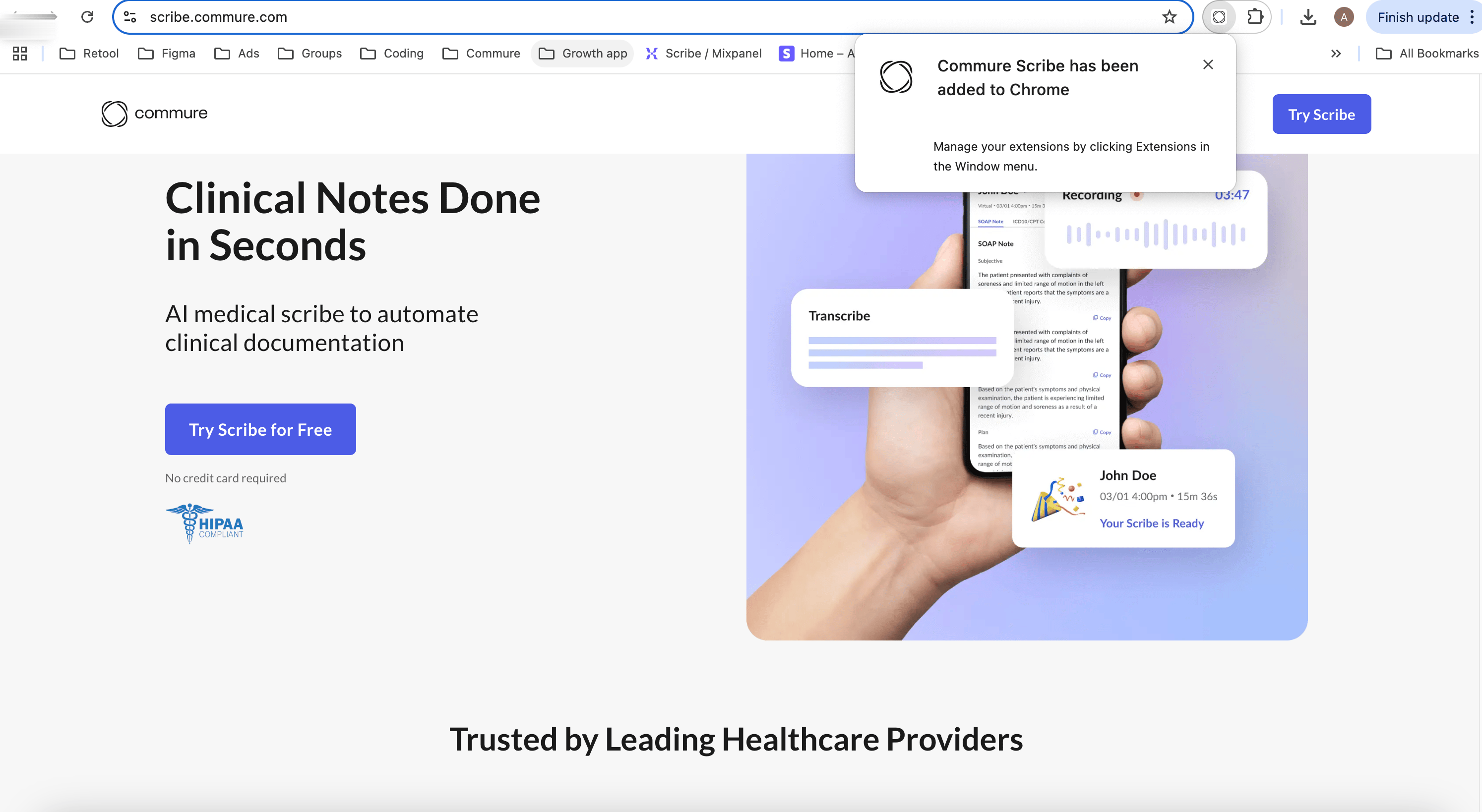
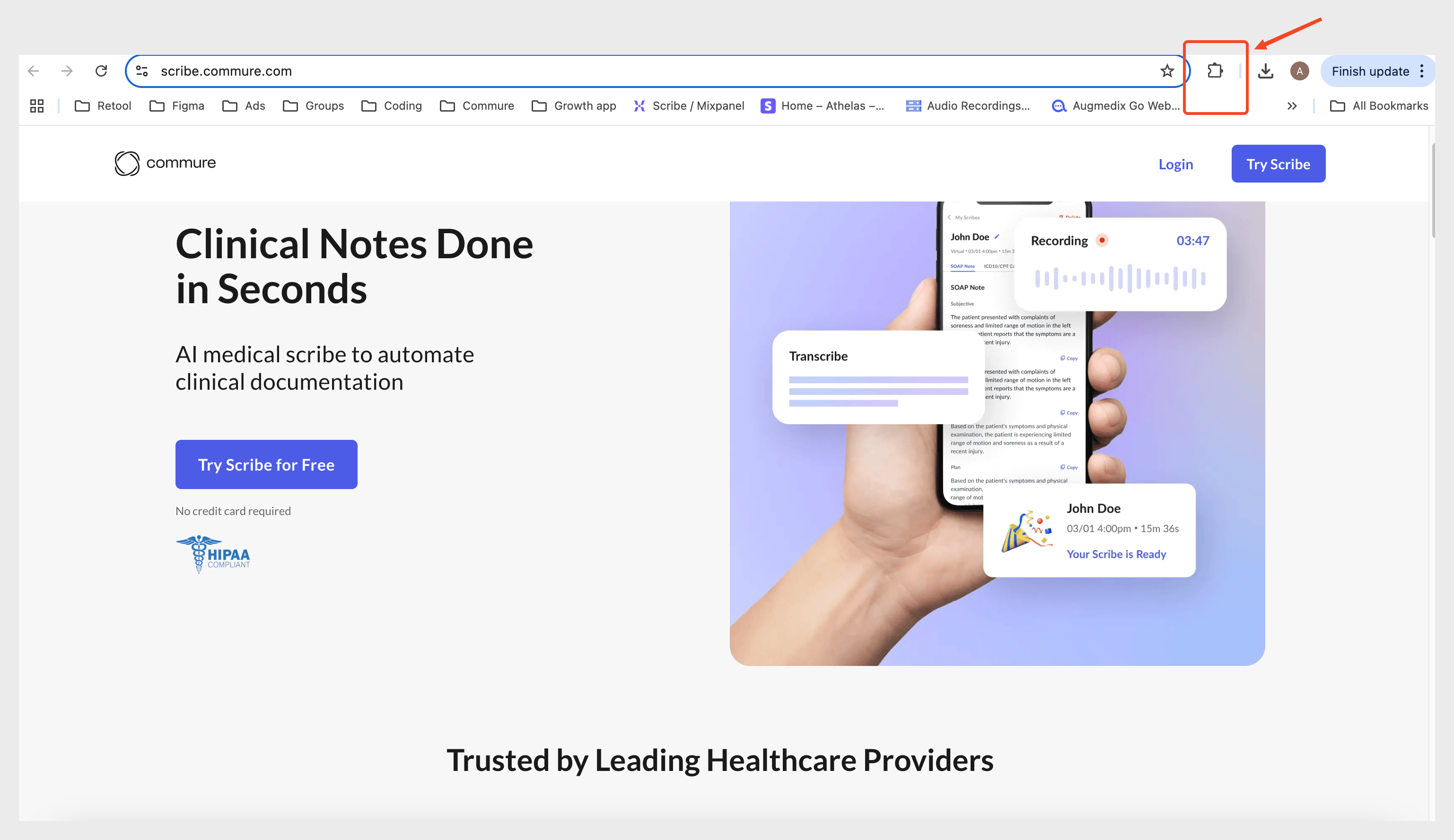
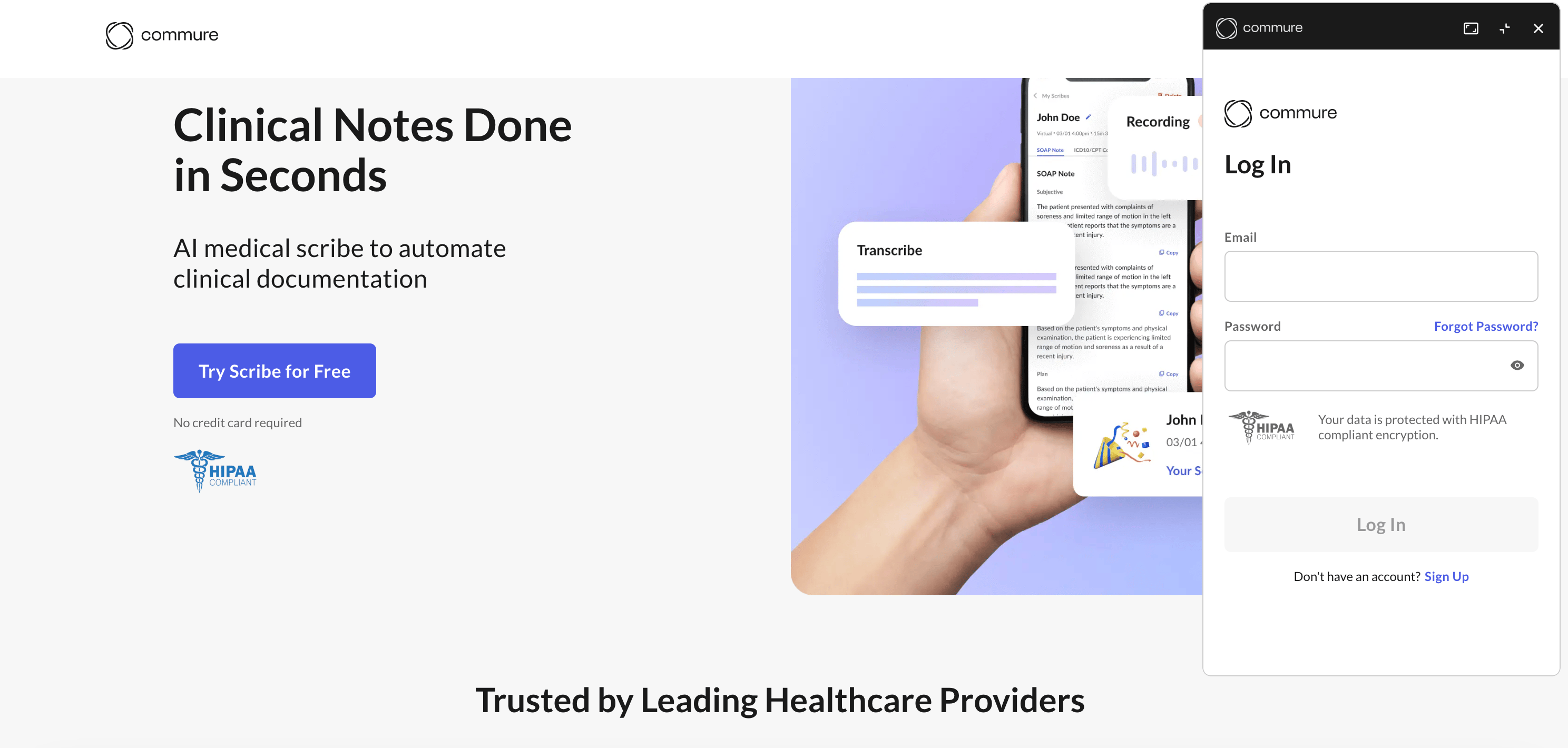
- After installation, click the Commure Scribe icon in your Chrome toolbar.
- Log in using the credentials you created during sign-up.
3. Enable Permissions
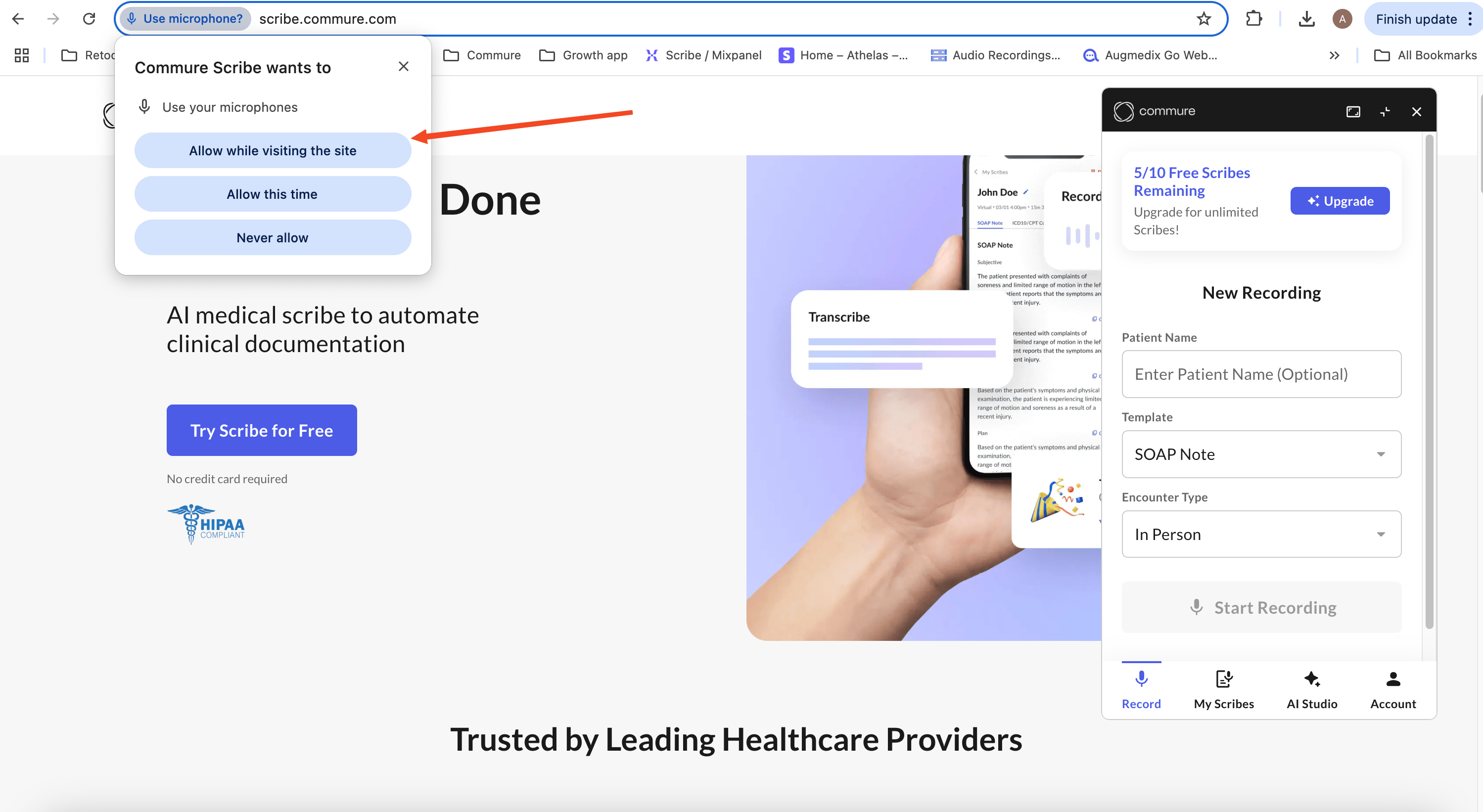
- Allow microphone access when prompted to ensure audio recording functionality during patient encounters.
- Follow any additional prompts to set up the extension for optimal use.