

1
First visit
Click New Patient and enter the patient’s name.
2
Future visits
Select that patient’s name from the dropdown list instead of creating a new patient entry.
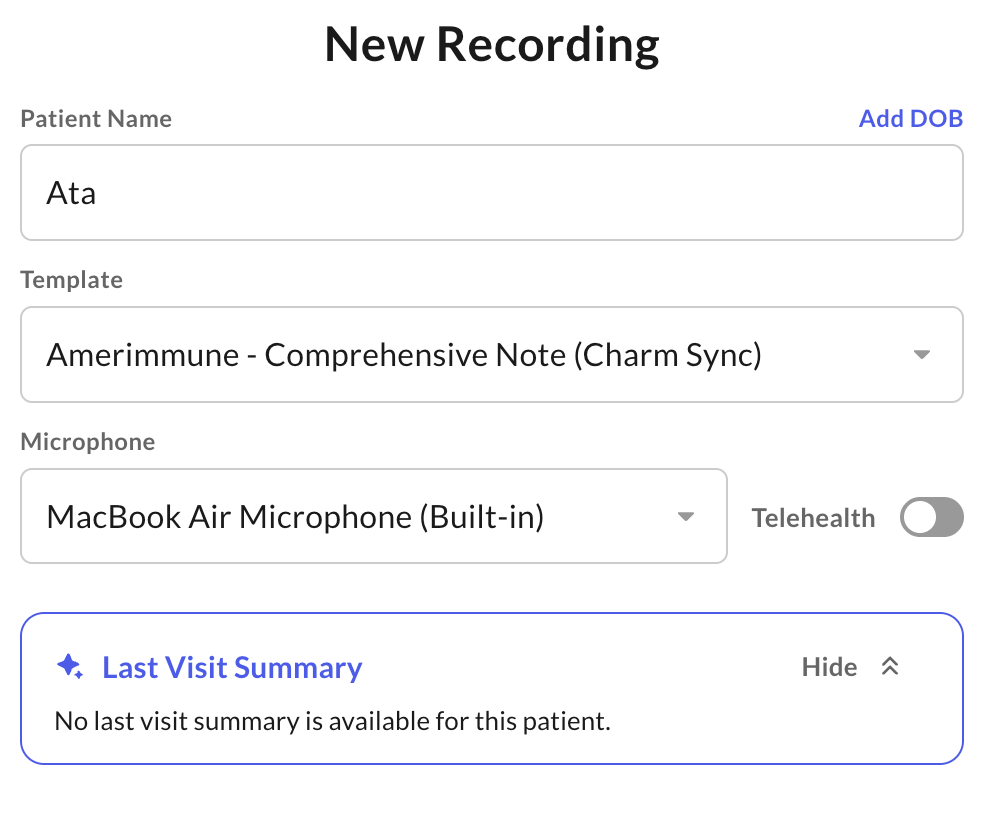
The Saved Patients view only shows a summary of the patient’s most recent visit — it doesn’t feed that history into note generation. Each recording is processed as a standalone encounter, so details from previous visits aren’t automatically carried into a new note.