> ## Documentation Index
> Fetch the complete documentation index at: https://docs.scribe.commure.com/llms.txt
> Use this file to discover all available pages before exploring further.
# Downloading the iOS App
> Get the power of Commure Scribe on the go by downloading the iOS app.
Get the power of Commure Scribe on the go by downloading the iOS app. Here's how:
## 1. Search and Download
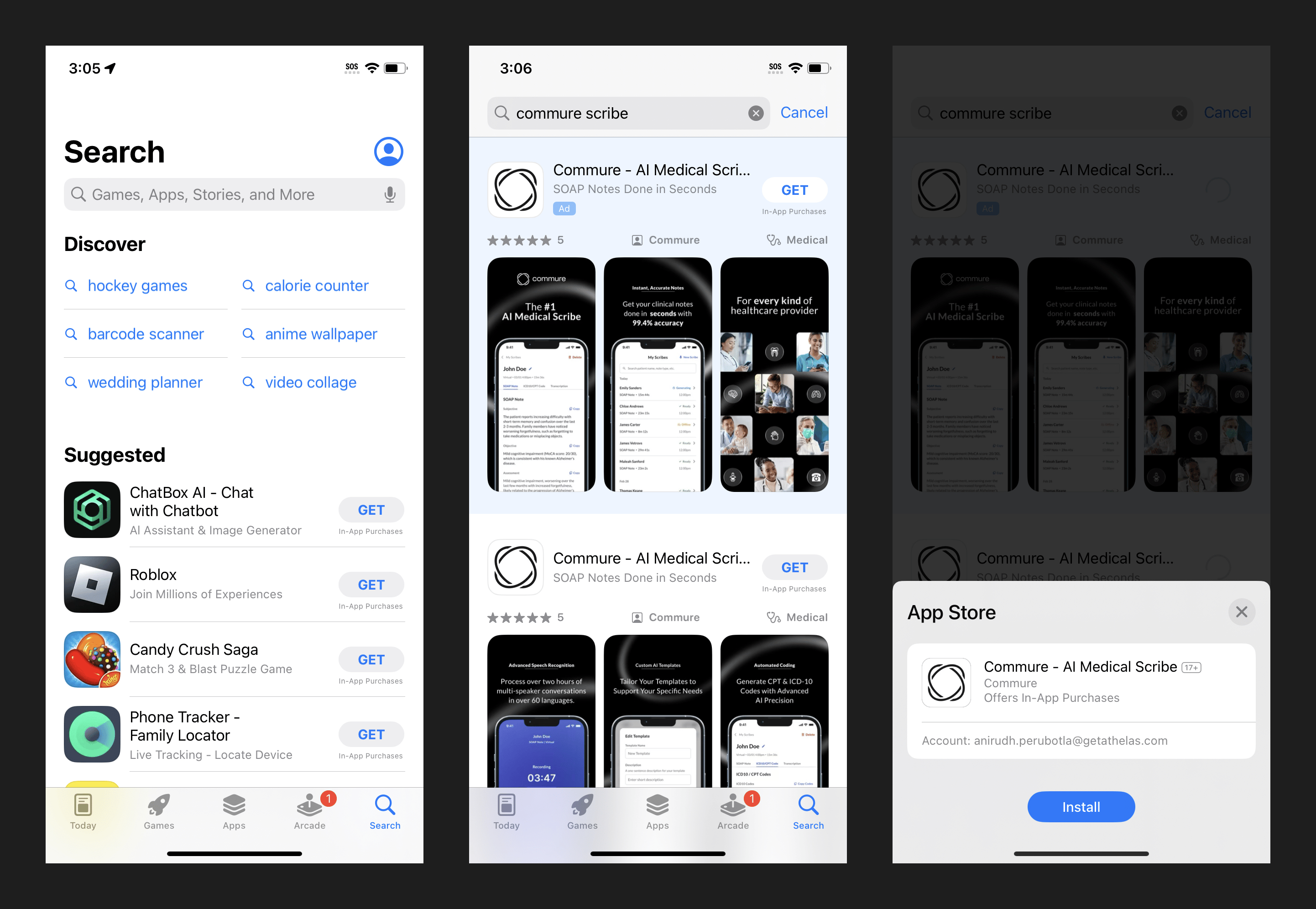
* Open the App Store on your iPhone and search for **"Commure Scribe"**.
* Tap **"Download"** to install the app.
 ## 2. Log In to Your Account
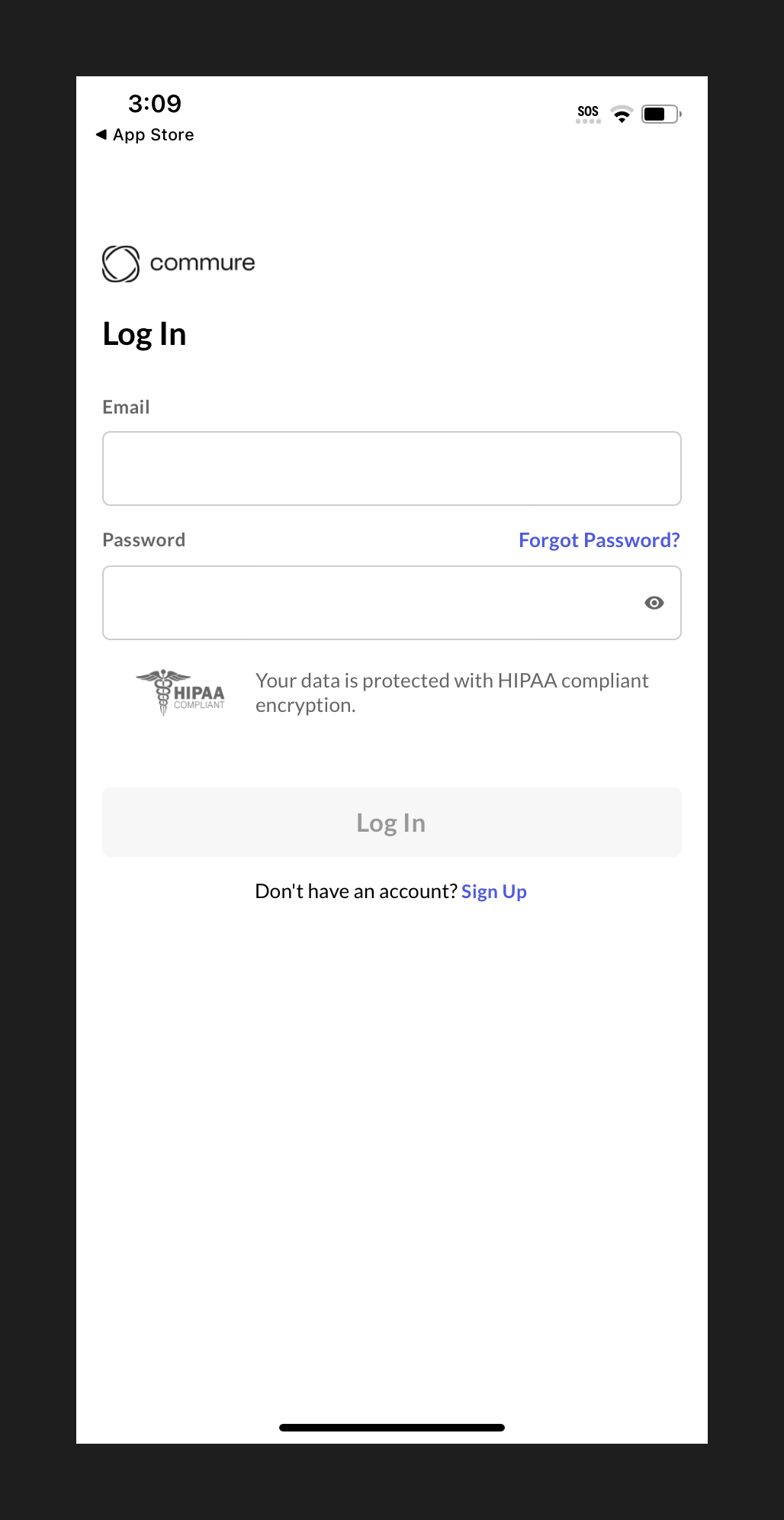
* Open the app and log in using the credentials you created during sign-up.
## 2. Log In to Your Account
* Open the app and log in using the credentials you created during sign-up.
 ## 3. Enable Permissions
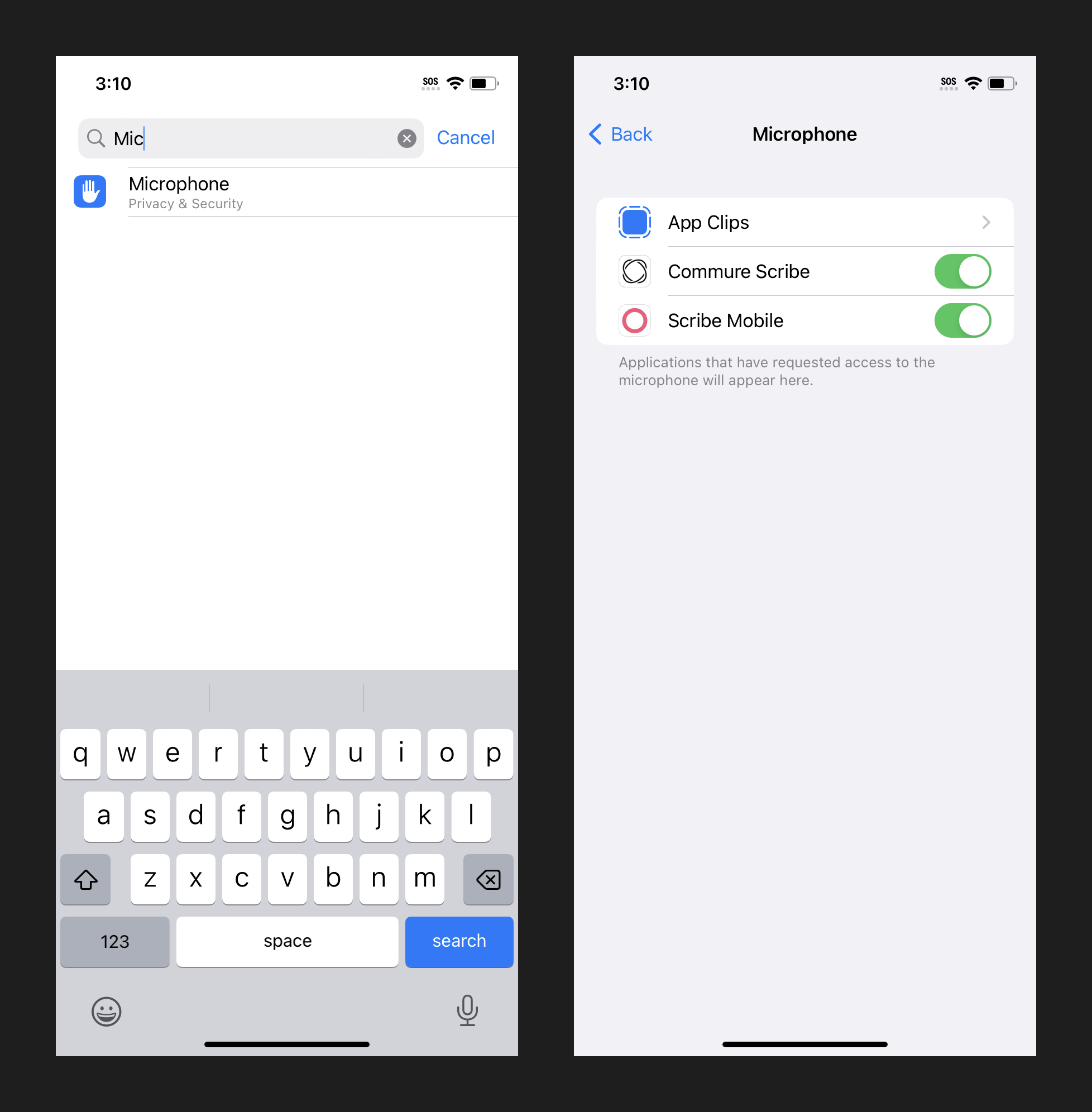
* Grant microphone access to record audio during patient encounters.
## 3. Enable Permissions
* Grant microphone access to record audio during patient encounters.
 Keep the app updated for the latest features and enhancements.
You can't create a new account from the iOS app. Sign up first at [scribe.commure.com](https://scribe.commure.com), then log in on the app with the same credentials.
Keep the app updated for the latest features and enhancements.
You can't create a new account from the iOS app. Sign up first at [scribe.commure.com](https://scribe.commure.com), then log in on the app with the same credentials.