> ## Documentation Index
> Fetch the complete documentation index at: https://docs.scribe.commure.com/llms.txt
> Use this file to discover all available pages before exploring further.
# Updating Your Payment Method
> Update the credit card or billing details on your Commure Scribe subscription.
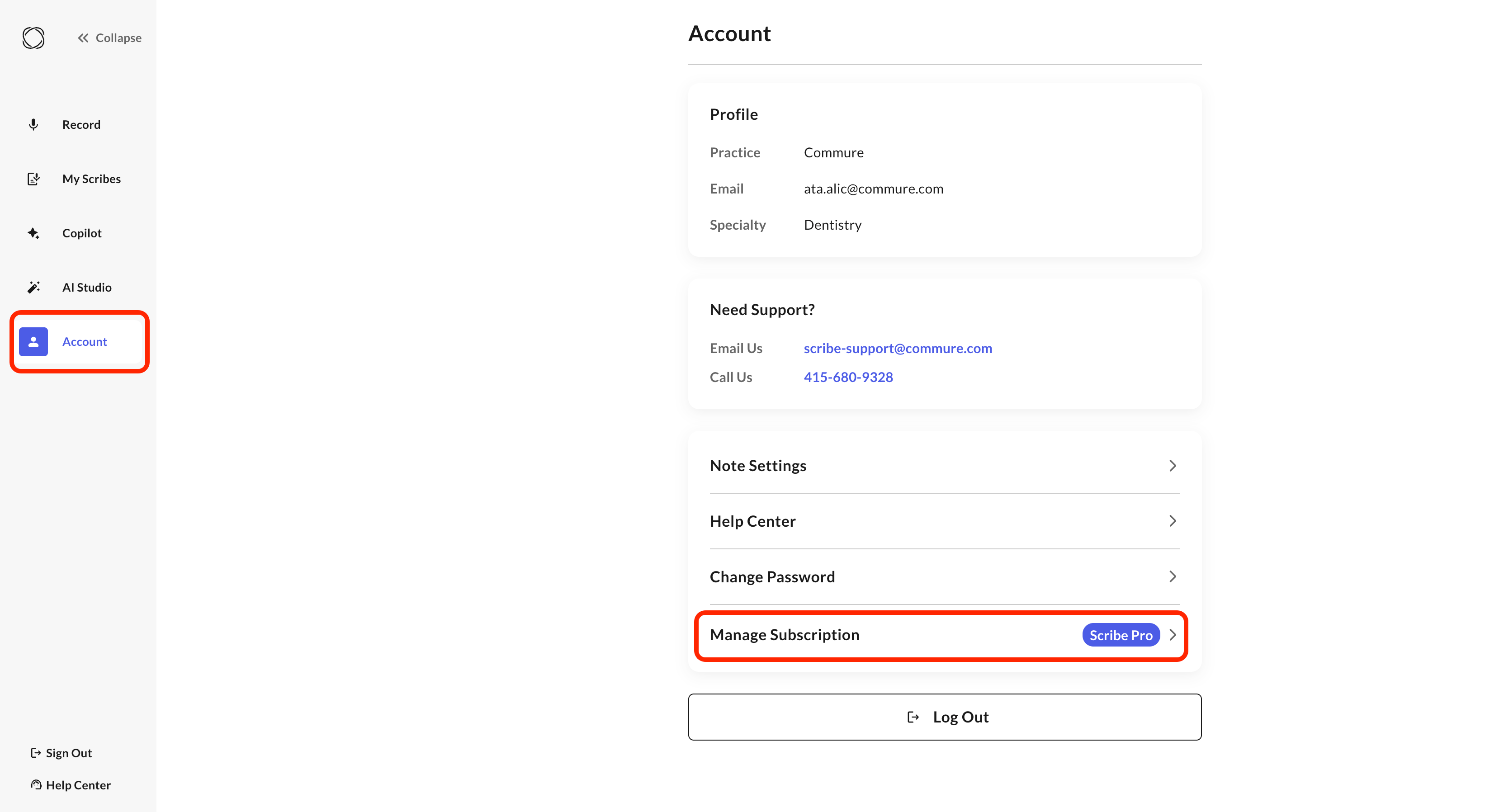
You can update your payment method directly from your account — no need to contact support.
Go to **Account > Manage Subscription**.
Click **Manage Subscription** again to open the billing portal.
Update your card or billing details and save.